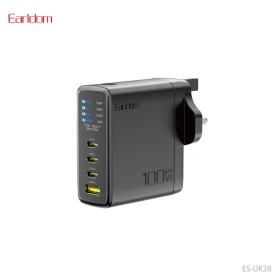
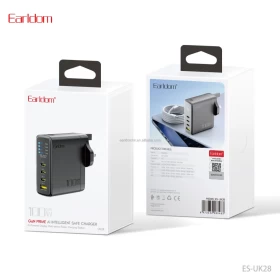
Earldom 100W USB-C PD Fast Charging Power Adapter โ€“ 1 USB + 3 USB-C Ports

14.97 $ Other Currency

2 People are viewing this product right now

DESCRIPTION

๐Ÿ”Œโšก Earldom 100W USB-C PD Fast Charging Power Adapter โ€“ 1 USB + 3 USB-C Ports

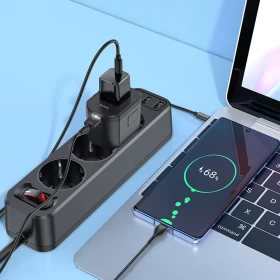
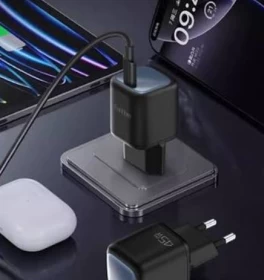
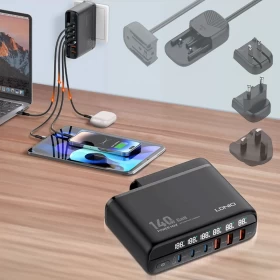
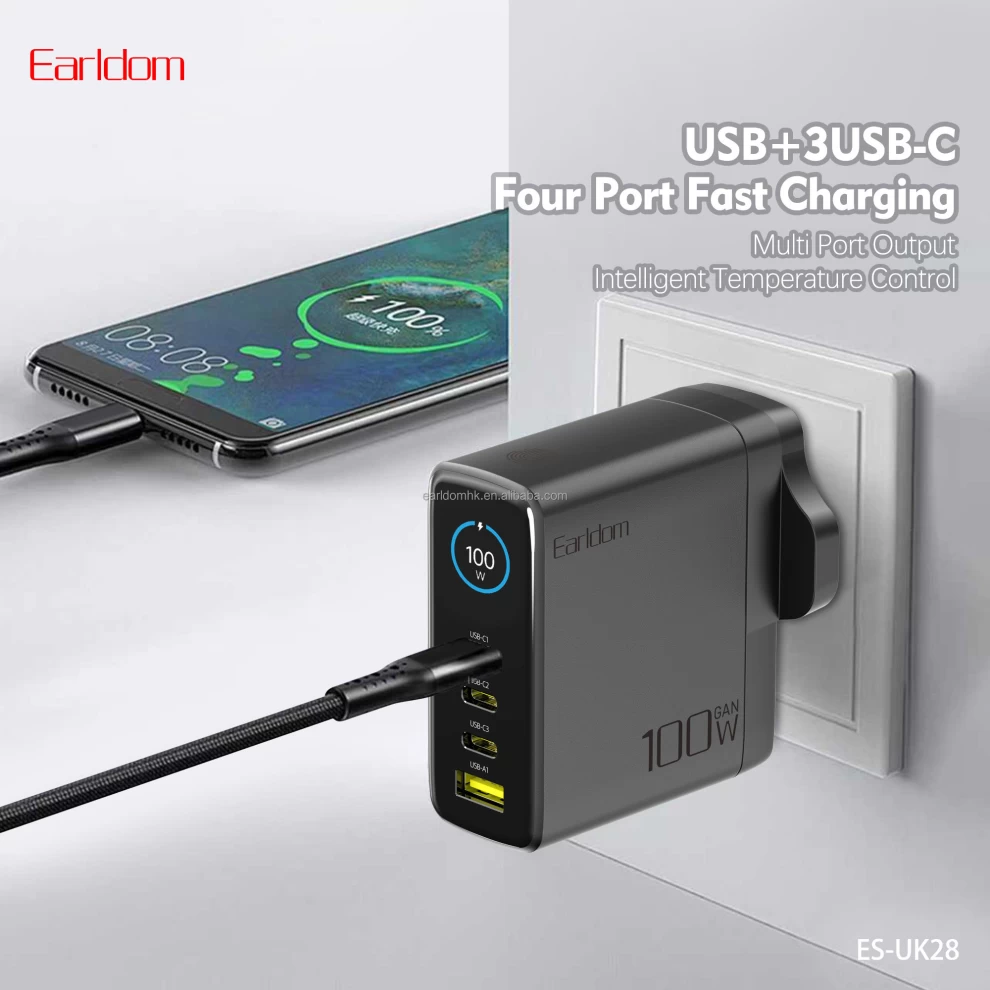
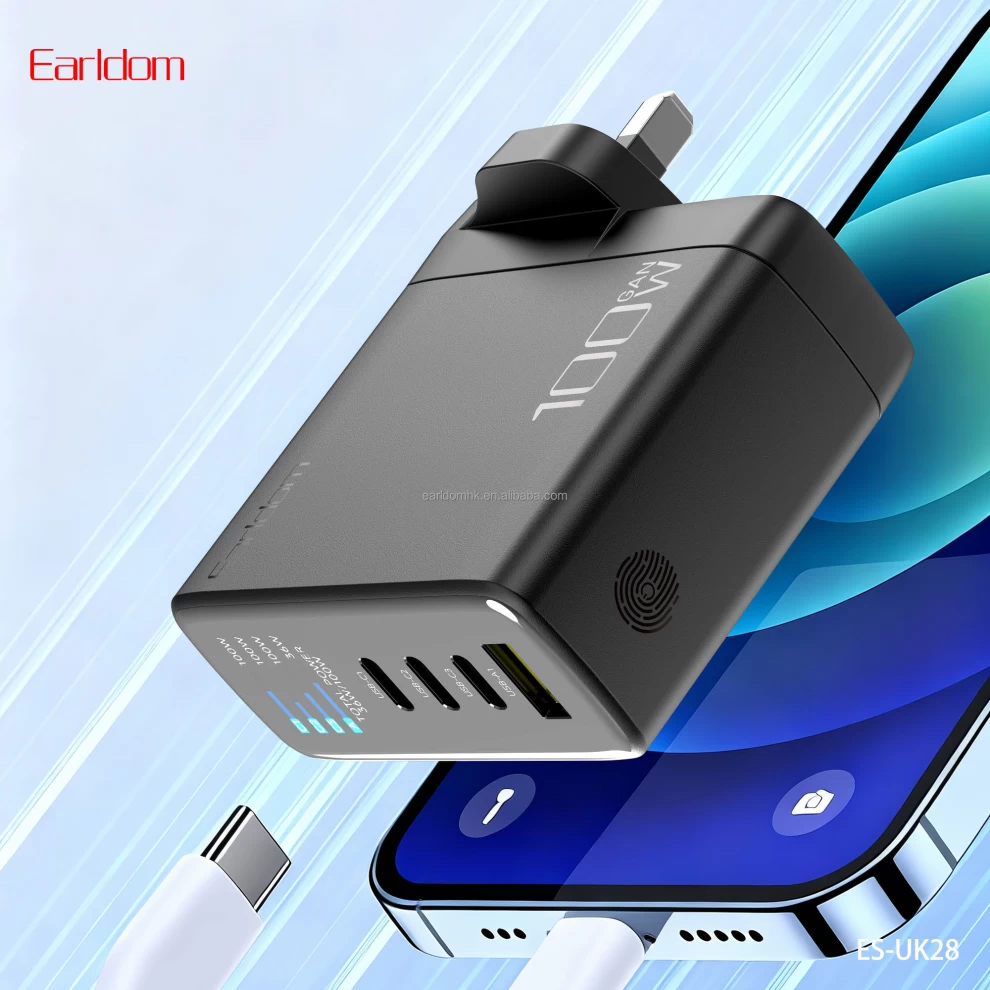
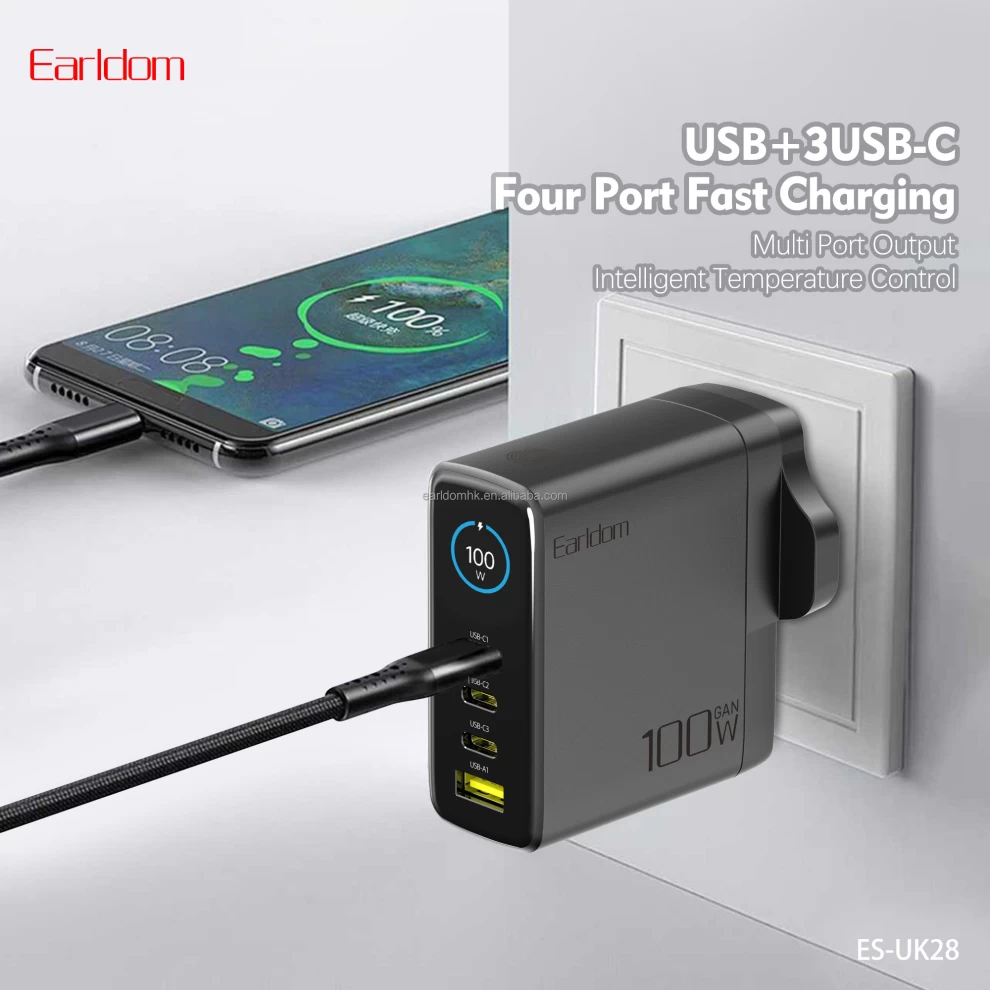
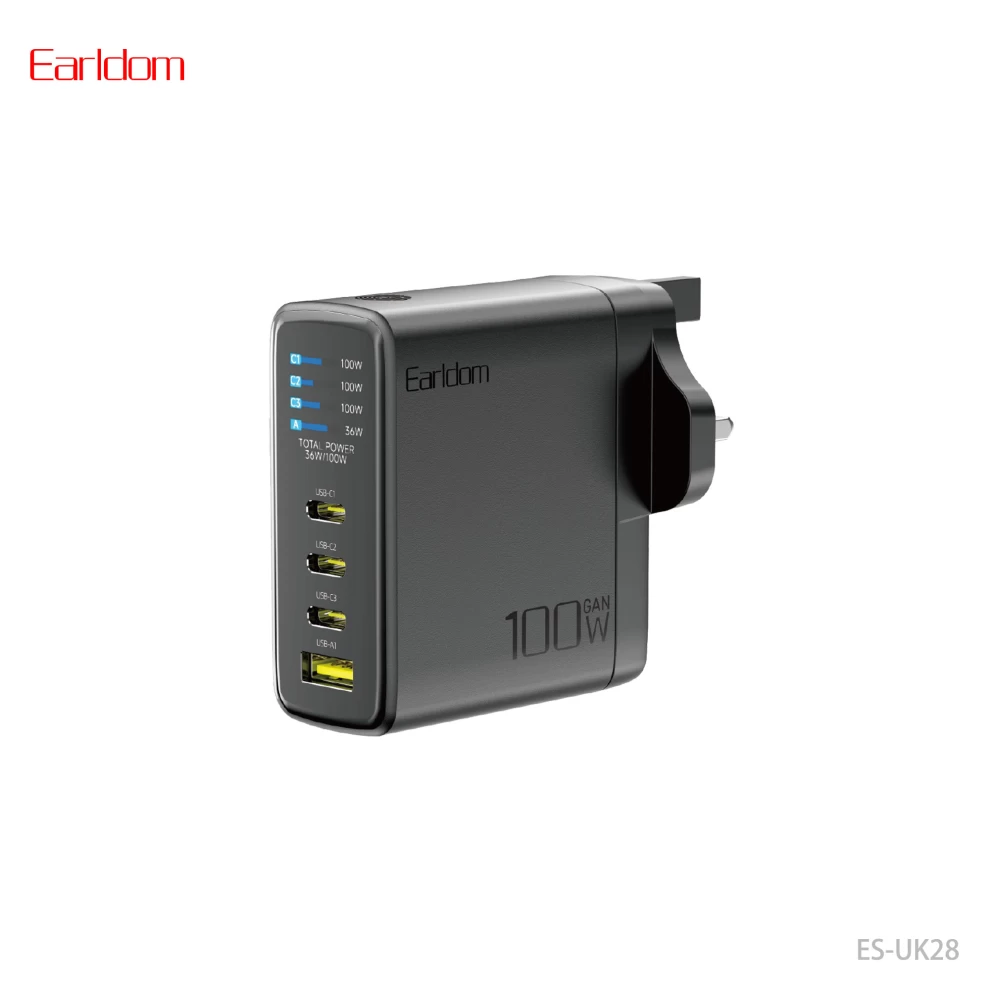
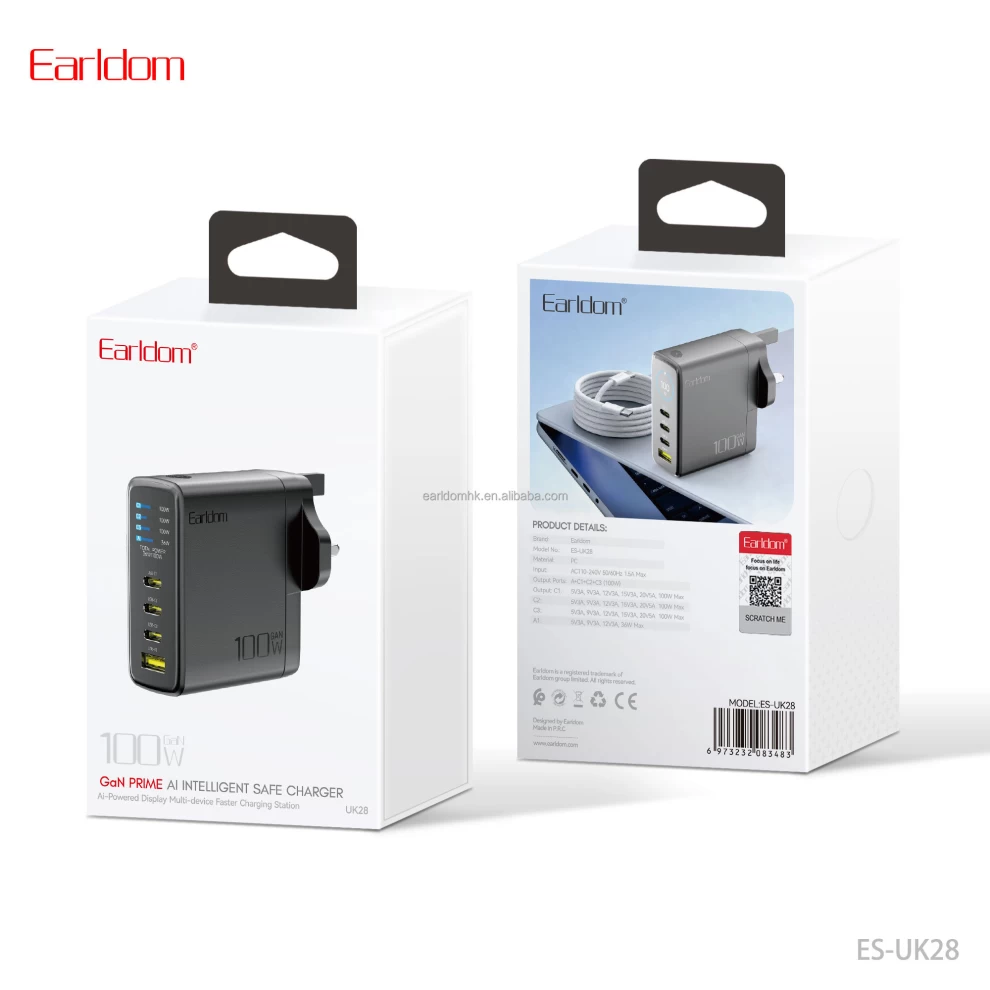
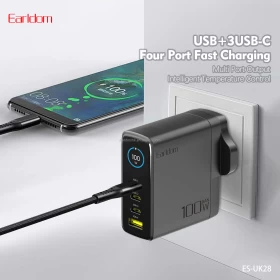
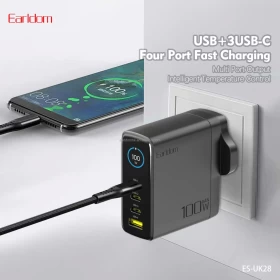
Power all your devices with the Earldom 100W USB-C PD Fast Charging Power Adapter. Featuring 100W total output, 1 USB-A port, and 3 USB Type-C PD ports, this multi-port charger allows you to charge up to 4 devices simultaneously. Built with advanced OTP (Over Temperature Protection) and OVP (Over Voltage Protection) safety features, it's an excellent charging solution for smartphones, tablets, laptops, earbuds, and other USB-powered devices at home, in the office, or while traveling.


๐Ÿ’ก Benefits

  • โšก 100W High-Speed Power Delivery
  • ๐Ÿ”Œ 4 Charging Ports (1 USB-A + 3 USB-C)
  • ๐Ÿ“ฑ Charge Up to 4 Devices Simultaneously
  • ๐Ÿ’ป Supports Phones, Tablets & Laptops
  • ๐Ÿ›ก๏ธ Built-in OTP & OVP Protection
  • ๐Ÿš€ USB-C PD Fast Charging Technology
  • ๐Ÿ‘œ Compact & Travel-Friendly Design
  • ๐ŸŒ Available with EU/UK Plug

๐Ÿ“Š Specifications

  • ๐Ÿท๏ธ Brand: Earldom
  • ๐Ÿ“ฆ Product Type: Multi-Port Fast Charging Power Adapter
  • โšก Maximum Output Power: 100W
  • ๐Ÿ”Œ USB-A Ports: 1
  • ๐Ÿ”Œ USB-C Ports: 3
  • โšก Fast Charging: USB-C Power Delivery (PD)
  • ๐Ÿ”‹ USB Output: Up to 5V/3A (depending on connected device)
  • ๐Ÿ›ก๏ธ Protection: OTP (Over Temperature Protection), OVP (Over Voltage Protection)
  • ๐Ÿ”Œ Plug Type: EU / UK (depending on model)
  • ๐ŸŽจ Color: As per manufacturer

๐Ÿ”„ Compatibility & Usage Notes

  • ๐Ÿ“ฑ Compatible with most smartphones, tablets, laptops, earbuds, power banks, and USB-powered devices.
  • โšก Fast charging requires compatible devices and certified charging cables.
  • ๐Ÿ’ป Total power output is shared when multiple devices are connected simultaneously.
  • ๐Ÿ”Œ Use USB-C PD cables to achieve maximum charging performance.
  • ๐Ÿ“– Check your device's charging requirements before use.

๐Ÿ“ฆ What's in the Box

  • ๐Ÿ”Œ Earldom 100W USB-C PD Power Adapter
  • ๐Ÿ“˜ User Manual

๐Ÿ› ๏ธ How to Use

1๏ธโƒฃ Plug the adapter into a compatible wall outlet.
2๏ธโƒฃ Connect your devices using suitable USB-A or USB-C charging cables.
3๏ธโƒฃ Fast charging will activate automatically on supported devices.
4๏ธโƒฃ Charge up to four devices simultaneously.
5๏ธโƒฃ Unplug the adapter when not in use.


โ“ FAQ

โ“ How many devices can I charge at once?
๐Ÿ”Œ You can charge up to 4 devices simultaneously.

โ“ Does it support fast charging?
โšก Yes, it supports USB-C Power Delivery (PD) fast charging with compatible devices.

โ“ Is it safe to use?
๐Ÿ›ก๏ธ Yes, it includes OTP (Over Temperature Protection) and OVP (Over Voltage Protection) safety features.

โ“ Can it charge laptops?
๐Ÿ’ป Yes, it supports charging compatible USB-C laptops within the available power output.


๐ŸŽฏ Perfect For

  • ๐Ÿ“ฑ Smartphones
  • ๐Ÿ’ป USB-C Laptops
  • ๐Ÿ“Ÿ Tablets
  • ๐ŸŽง Wireless Earbuds
  • ๐Ÿ”‹ Power Banks
  • ๐Ÿ  Home Use
  • ๐Ÿ’ผ Office Use
  • โœˆ๏ธ Travel

โš ๏ธ Important Safety Notes

  • โšก Use certified charging cables for the best performance.
  • ๐Ÿ”ฅ Do not cover the adapter while charging.
  • ๐Ÿ’ง Keep away from water and moisture.
  • ๐Ÿšซ Do not overload incompatible devices.
  • ๐Ÿ”Œ Disconnect the adapter when not in use for extended periods.
  • ๐Ÿ‘ถ Keep out of reach of children.

๐Ÿ› ๏ธ Durability & Support

Designed with advanced safety features and premium components, the Earldom 100W USB-C PD Power Adapter delivers reliable, efficient, and safe charging for multiple devices every day.


๐Ÿšš Delivery Info

  • ๐Ÿ‡ฐ๐Ÿ‡ผ Fast Delivery Across Kuwait
  • ๐Ÿ‡ธ๐Ÿ‡ฆ ๐Ÿ‡ฆ๐Ÿ‡ช ๐Ÿ‡ง๐Ÿ‡ญ ๐Ÿ‡ถ๐Ÿ‡ฆ ๐Ÿ‡ด๐Ÿ‡ฒ GCC Shipping Available
  • ๐Ÿ“ฆ Secure Packaging

๐Ÿ’ก Pro Tips

  • โšก Use USB-C PD cables to maximize charging speed.
  • ๐Ÿ’ป Connect high-power devices like laptops to the USB-C ports.
  • ๐Ÿ“ฑ Charge multiple devices efficiently from a single wall outlet.
  • ๐ŸŽ’ Carry it while traveling to reduce the number of chargers you need.
  • ๐Ÿ”‹ Disconnect unused devices to optimize power distribution.
BACK TO TOP